Skip to content
Hero Background Light

CodeShelf

Store, organize, and access your code snippets instantly from your menu bar

CodeShelf icon

App

CodeShelf

Store, organize, and access your code snippets instantly from your menu bar

A native menu bar app for storing and accessing code snippets instantly.

What is CodeShelf?

A focused snippet manager built for speed

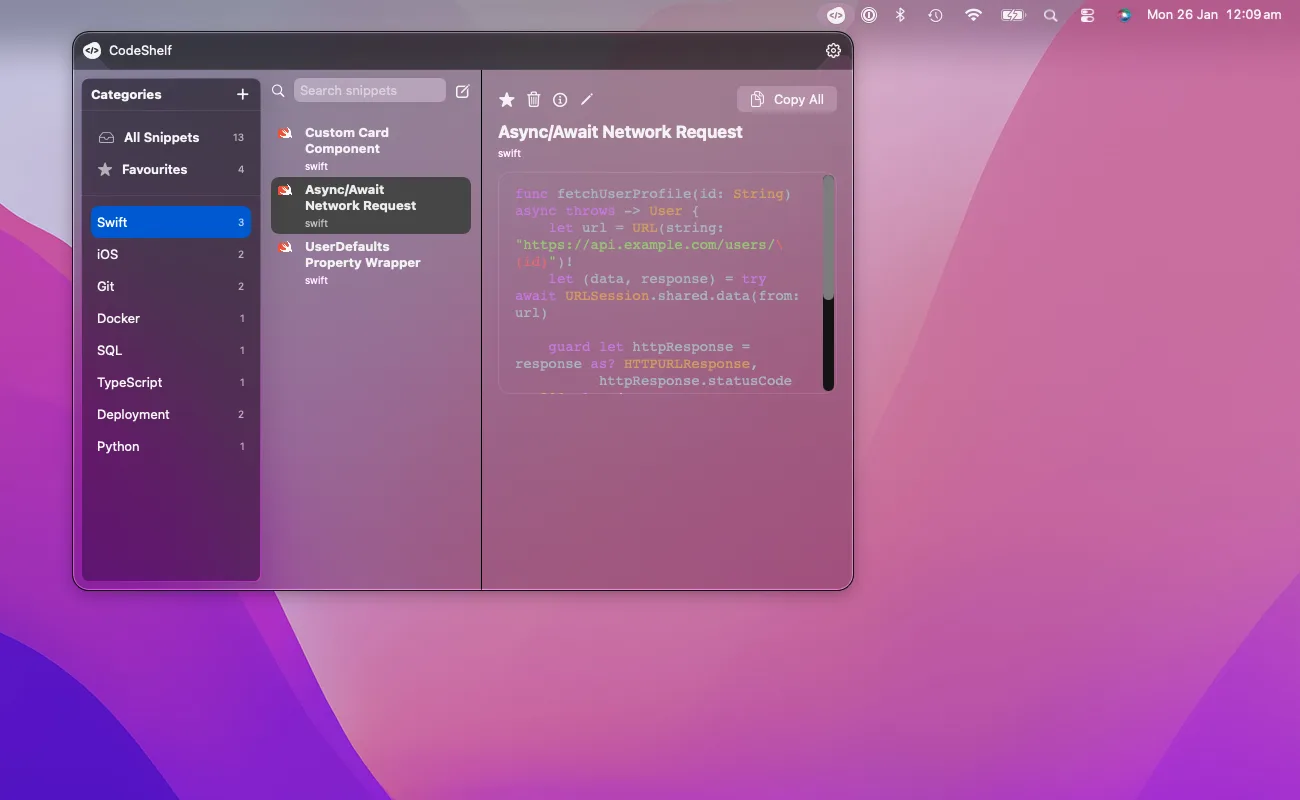
CodeShelf keeps your most‑used code and procedures one click away in the macOS menu bar.

  • Designed for developers who live in their editor and terminal
  • Local‑first and privacy‑friendly by default
  • Built around real workflows, not generic notes

Inside the App

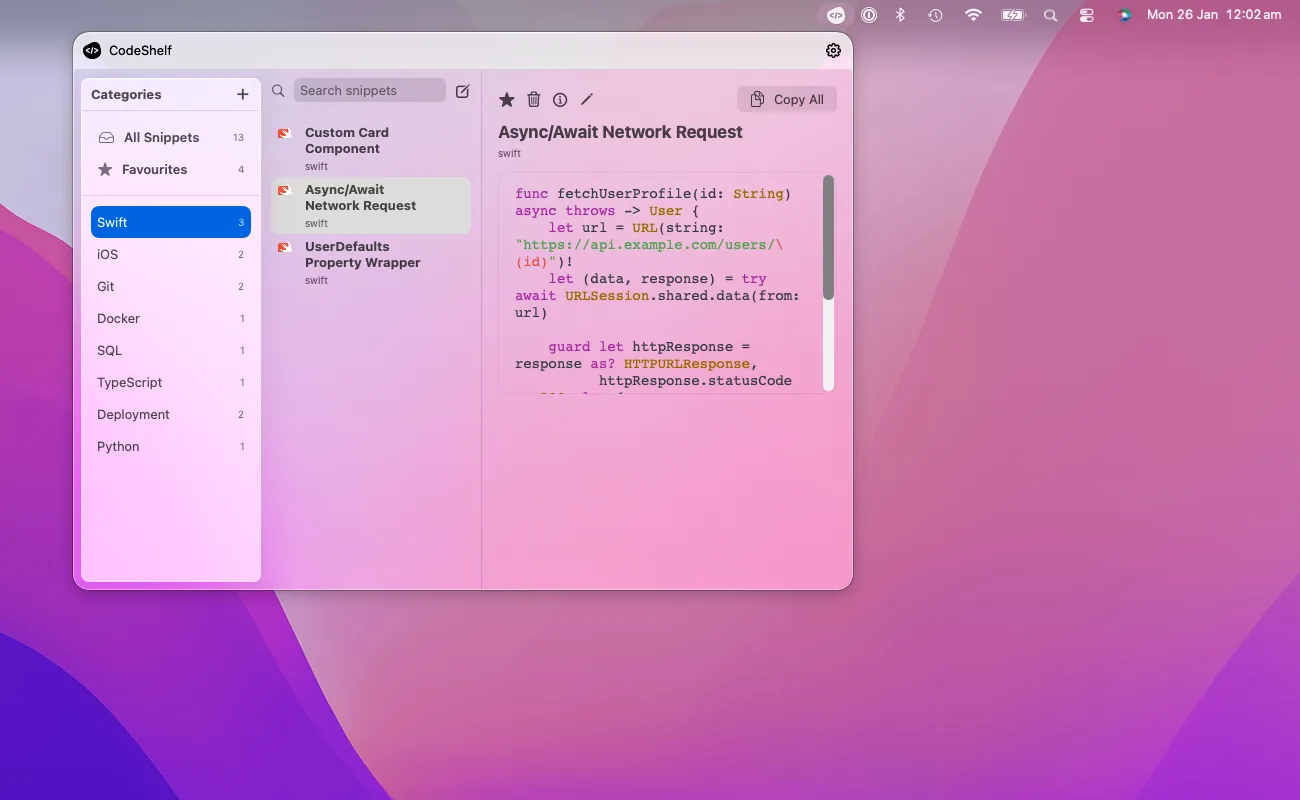
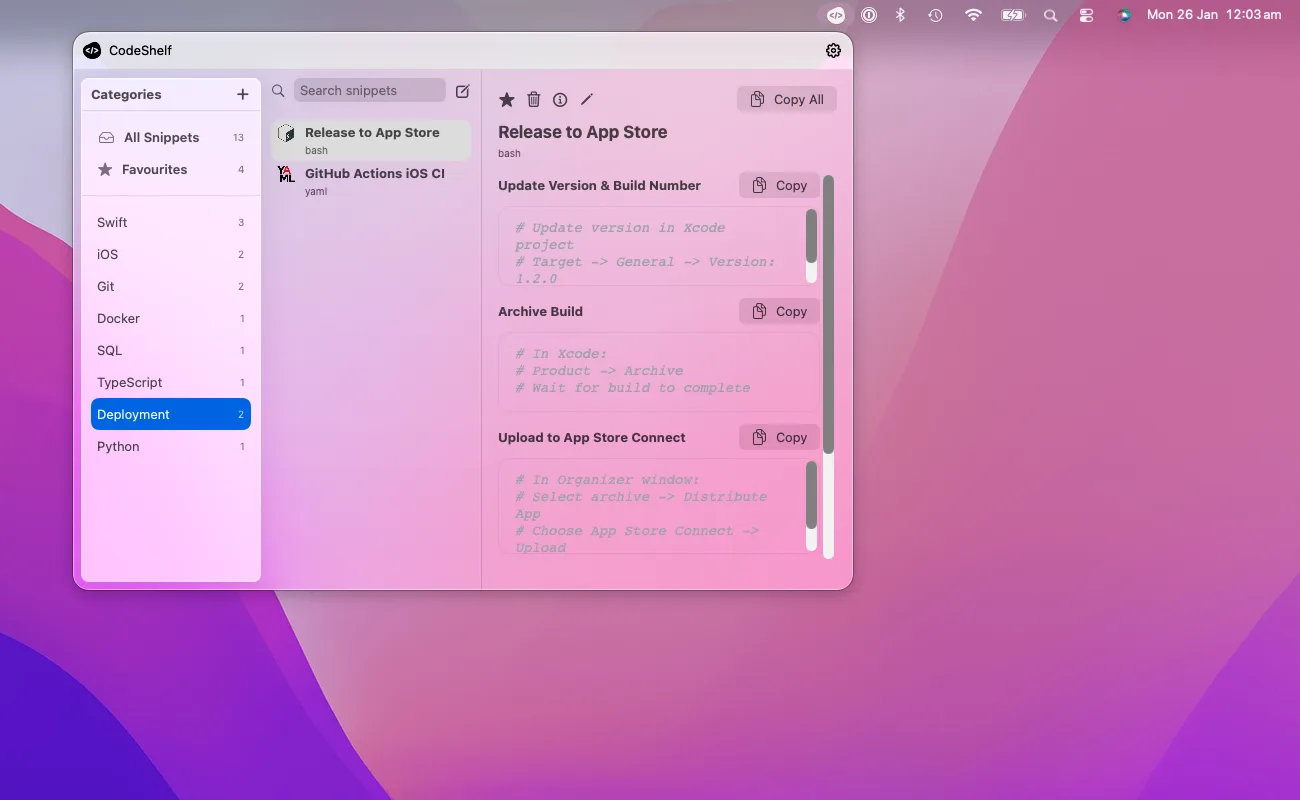
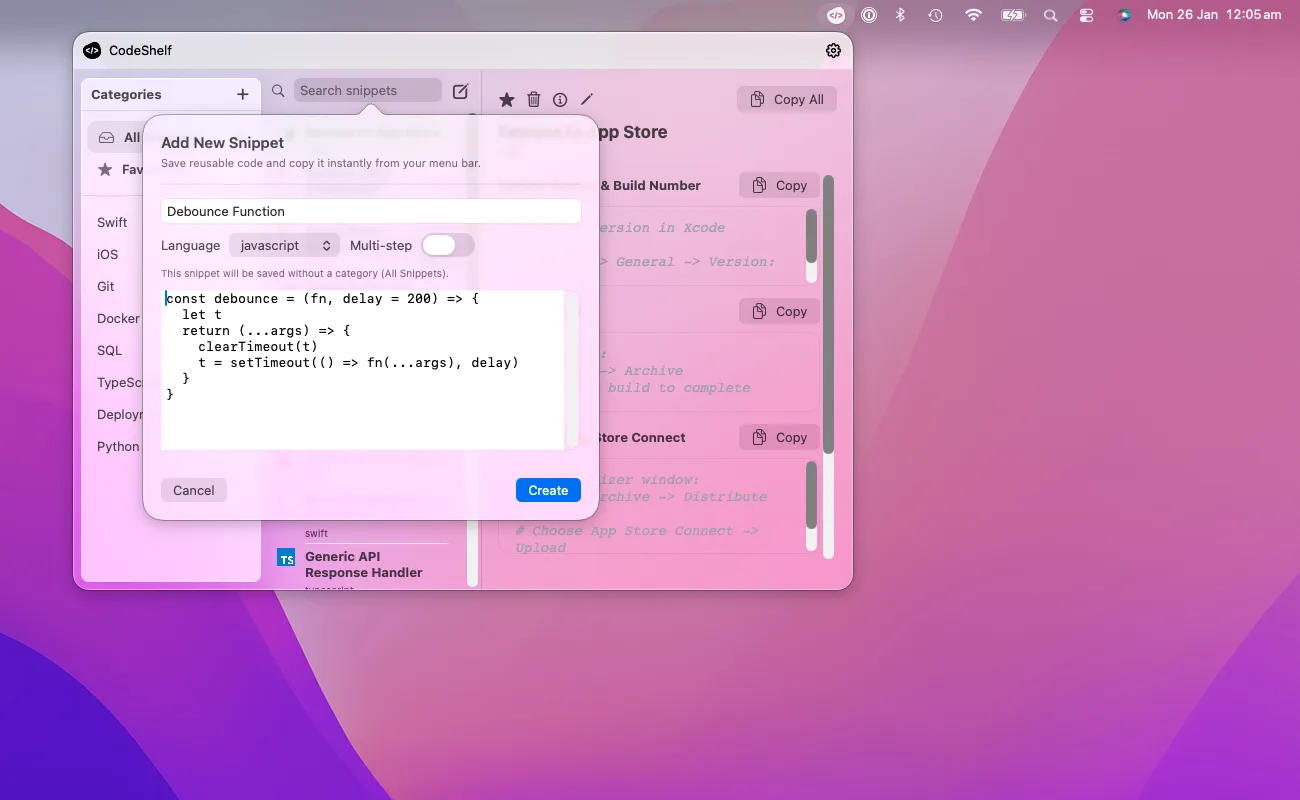
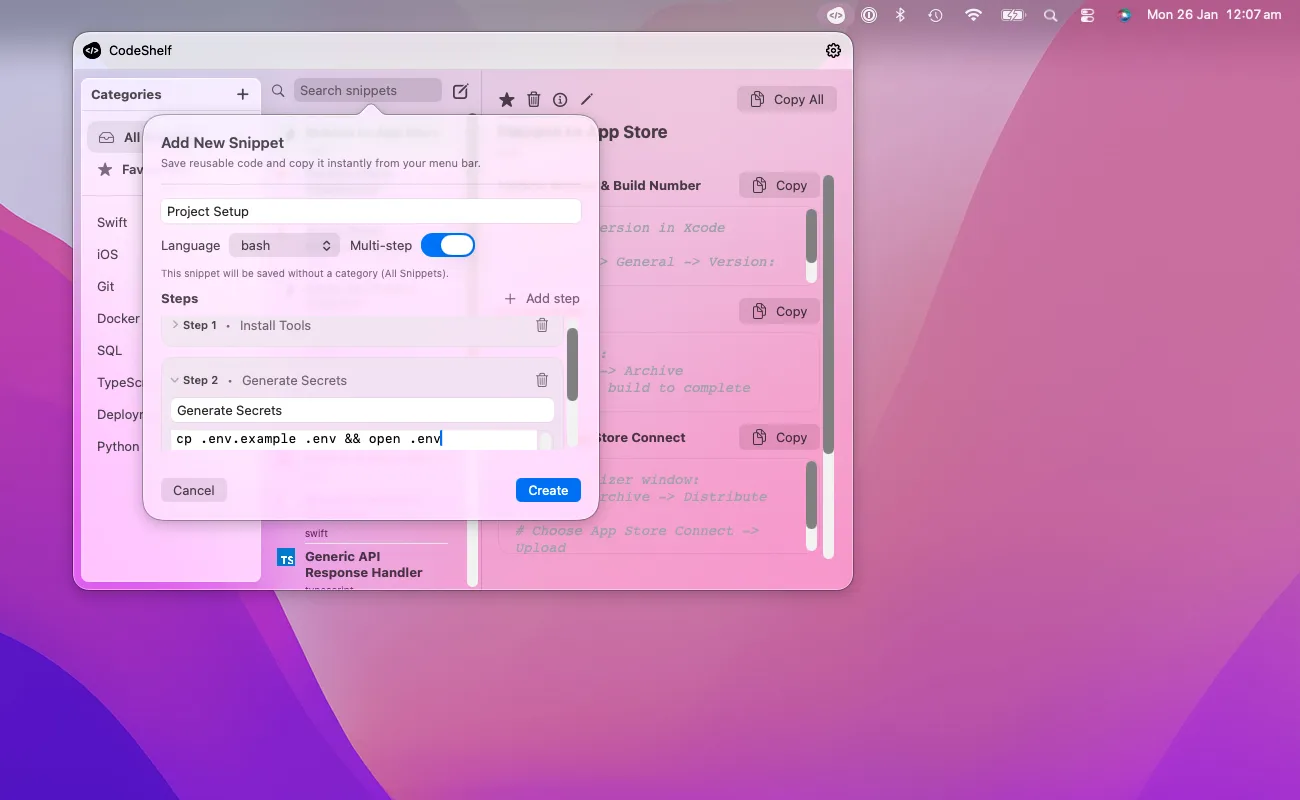
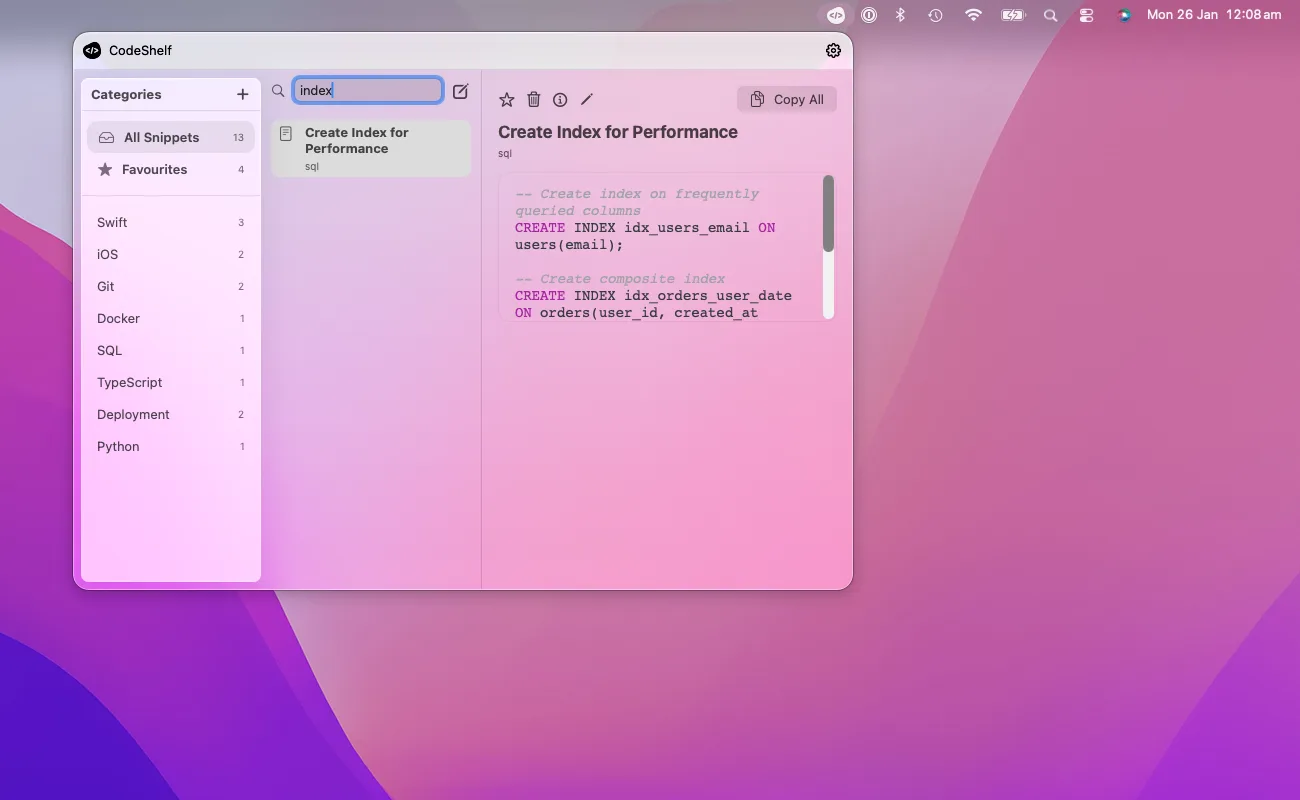
A quick look at the core screens and workflows.

Why CodeShelf

Stay in flow

Open CodeShelf from the menu bar and grab the exact snippet you need without breaking focus.

Organize for real workflows

Categories, favorites, and multi‑step snippets keep complex procedures consistent and repeatable.

Local‑first by design

No accounts, no cloud, no tracking. Your snippets live on your Mac, fast and private.

Feature Breakdown

Core Features

  • Menu bar access with instant search
  • Categories, sub‑categories, and favorites
  • Snippet language support and metadata

Workflow Power

  • Multi‑step snippets for repeatable procedures
  • Copy single steps or full sequences
  • Fast lookup across titles and content

Local‑First

  • No accounts, no cloud, no tracking
  • Offline‑ready and privacy‑friendly
  • Export/import for backups and migration

Have Questions? We’re here to help

What is CodeShelf?

A quick overview and the basics.

Features

What you can do and how it works.

Help & FAQ

Support, troubleshooting, and common questions.

What is CodeShelf?

CodeShelf is a macOS menu bar snippet manager that keeps your most-used code and workflows one click away.

Who is CodeShelf for?

Developers who want fast, local access to code snippets without switching apps or relying on cloud services.

What makes CodeShelf different?

It’s focused and local-first — no accounts, no cloud, and a UI built specifically for code snippets.

How do I organize my snippets?

Use categories, sub‑categories, and favorites to match how you work — by language, project, or task.

Does CodeShelf support multi-step workflows?

Yes. You can group ordered steps into a single workflow and copy one step or the full sequence.

Can I search across everything quickly?

Yes. Search covers titles and content so you can find exactly what you need without digging.

Can I import from other snippet tools?

Yes. Import is supported, and you can export your library for backups or migration.

Does CodeShelf work offline?

Yes. Everything is stored locally, so it works even without an internet connection.

How do I get support or report a bug?

Use the contact page or email support with your macOS version and a short description.

Stay Informed

Dig Deeper

View all posts

Ready to get started? Let’s set you up.

CodeShelf icon

App

CodeShelf

Store, organize, and access your code snippets instantly from your menu bar

A native menu bar app for storing and accessing code snippets instantly.