Skip to content
Hero Background Light

DuoScore

Set iPhone Duo on the table. Keep both scores in view and the scoring buttons within reach.

Coming Soon to the App StoreDuoScore is in development and not yet available for download. Explore the docs to see what's coming.
Explore the docs →
DuoScore icon

App

DuoScore

A scorekeeper built for the table.

Keep score for two players with big buttons, custom point values and best-of matches. On iPhone Duo, the fold separates the scoreboard from the controls.

Built natively in SwiftUI for iPhone, iPad and iPhone Duo. Your scores, player settings and history stay on the device.

Freemium iPhoneiPadiPhone Duo

What is DuoScore?

Built natively for iPhone Duo

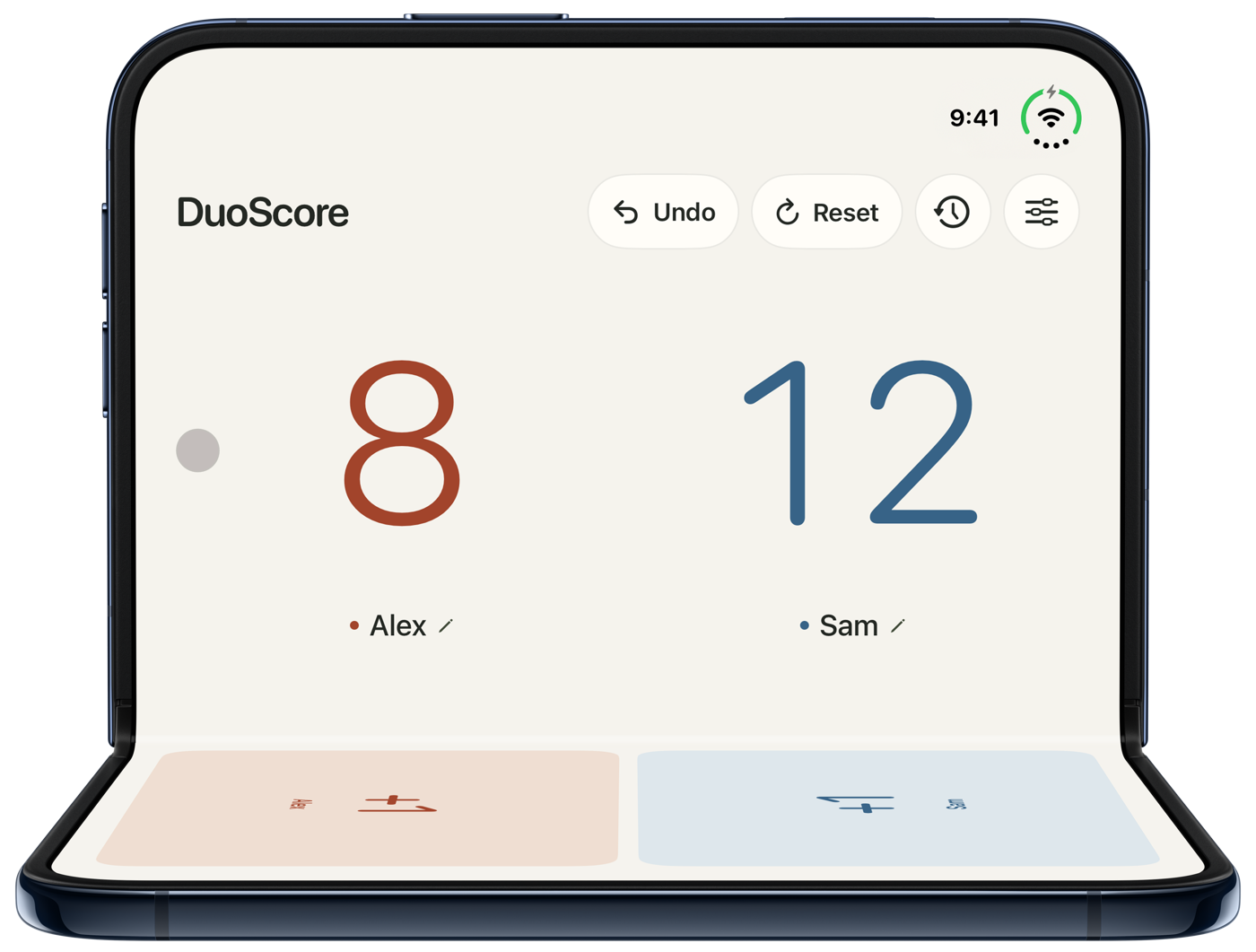
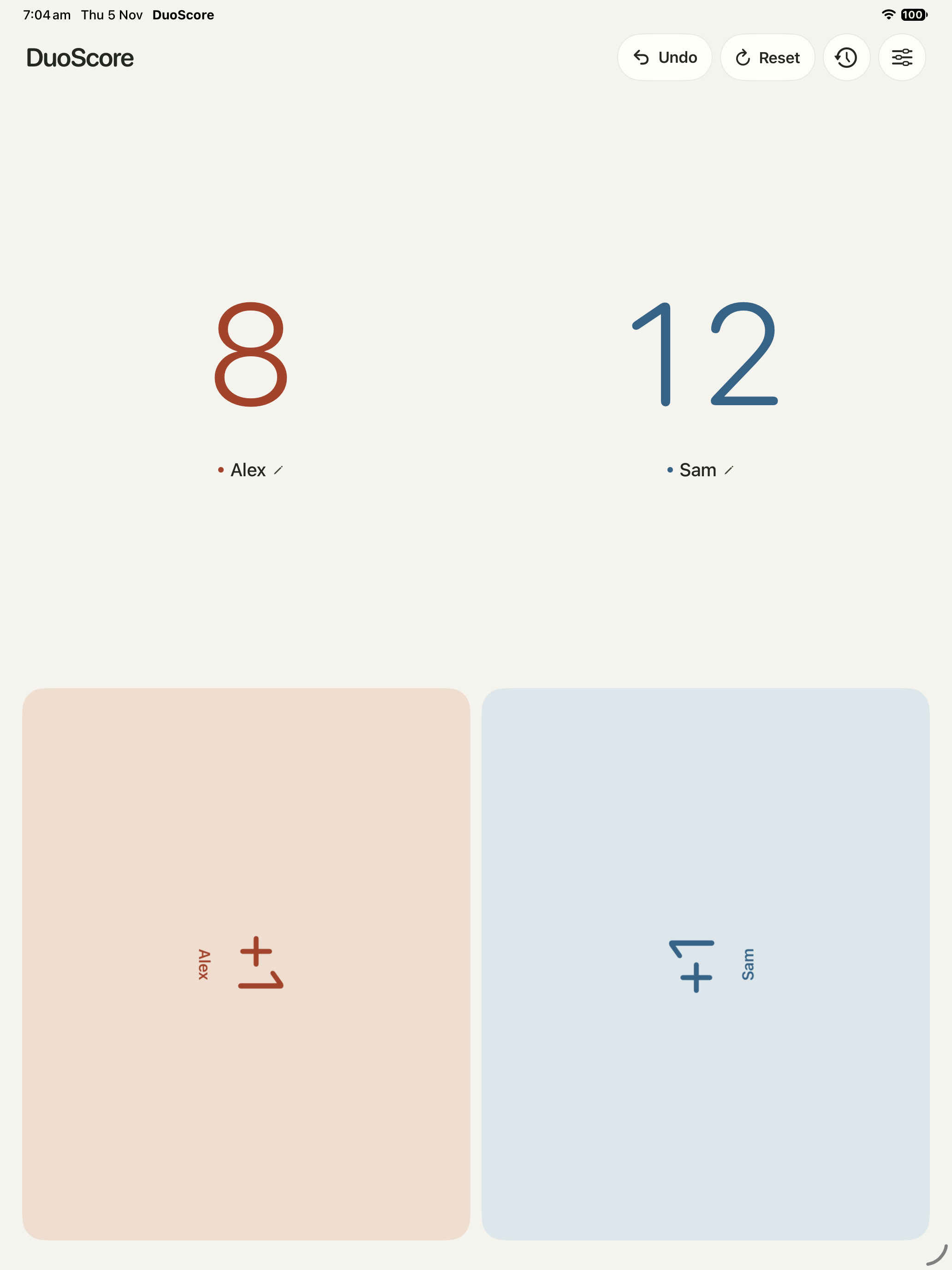
Set iPhone Duo half-open on the table with the hinge running left to right. The upright half shows both scores and the flat half gives each player their own scoring pads.

  • The app uses the hinge’s actual position to keep controls and scores clear of the fold.
  • In tabletop mode, Face players turns each side’s buttons toward the person using them. Choose Same direction when you’re both looking from the same side.
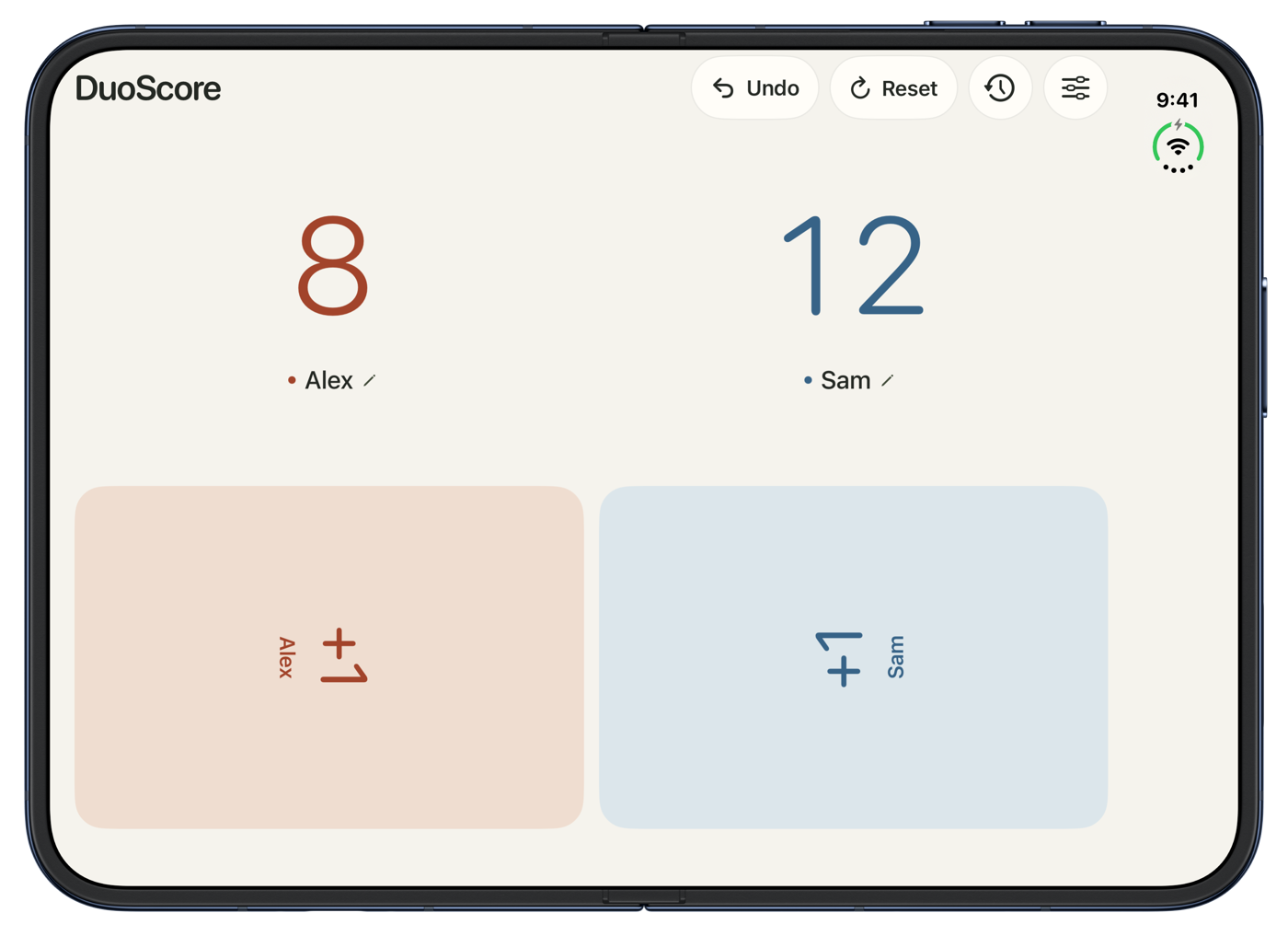
  • Turn the hinge upright for a book layout with one player on each side. Close the device to keep playing on the cover display.

Made for both sides of the fold.

Built natively for iPhone Duo. Just as at home on iPhone and iPad.

DuoScore on a half-open iPhone Duo, with Alex and Sam’s scores upright and two scoring pads on the table
The scores stand up. The controls stay within reach. Open iPhone Duo halfway, place it between two players and keep the game moving.

Inside the App

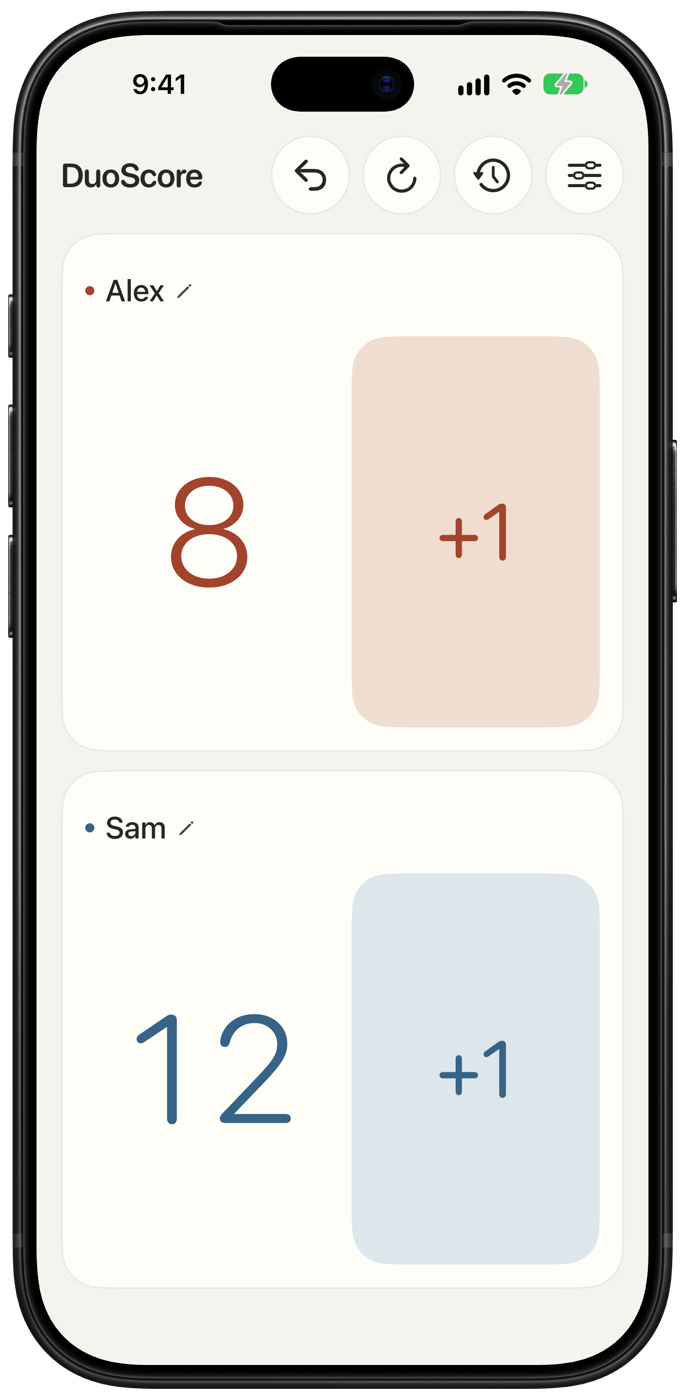
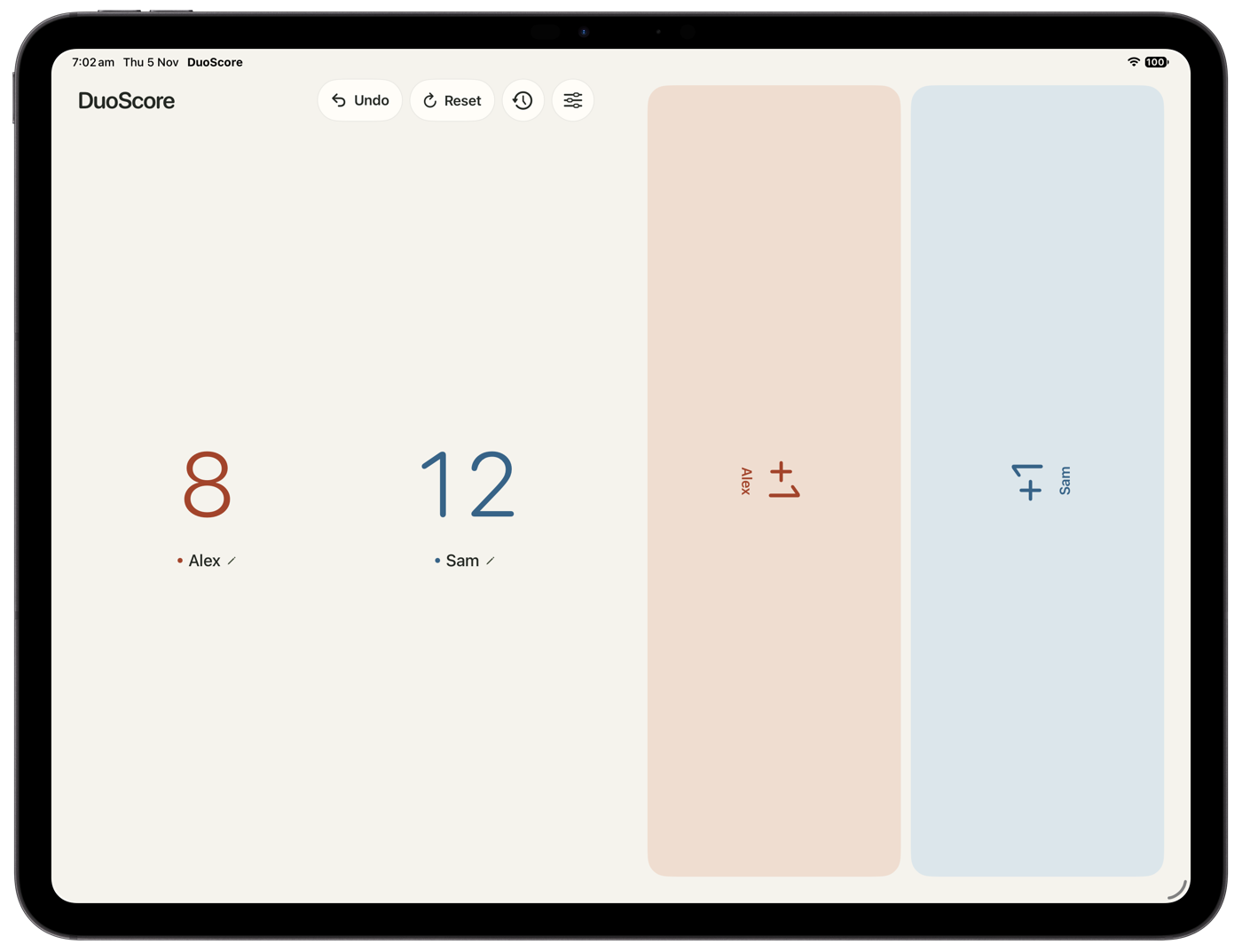
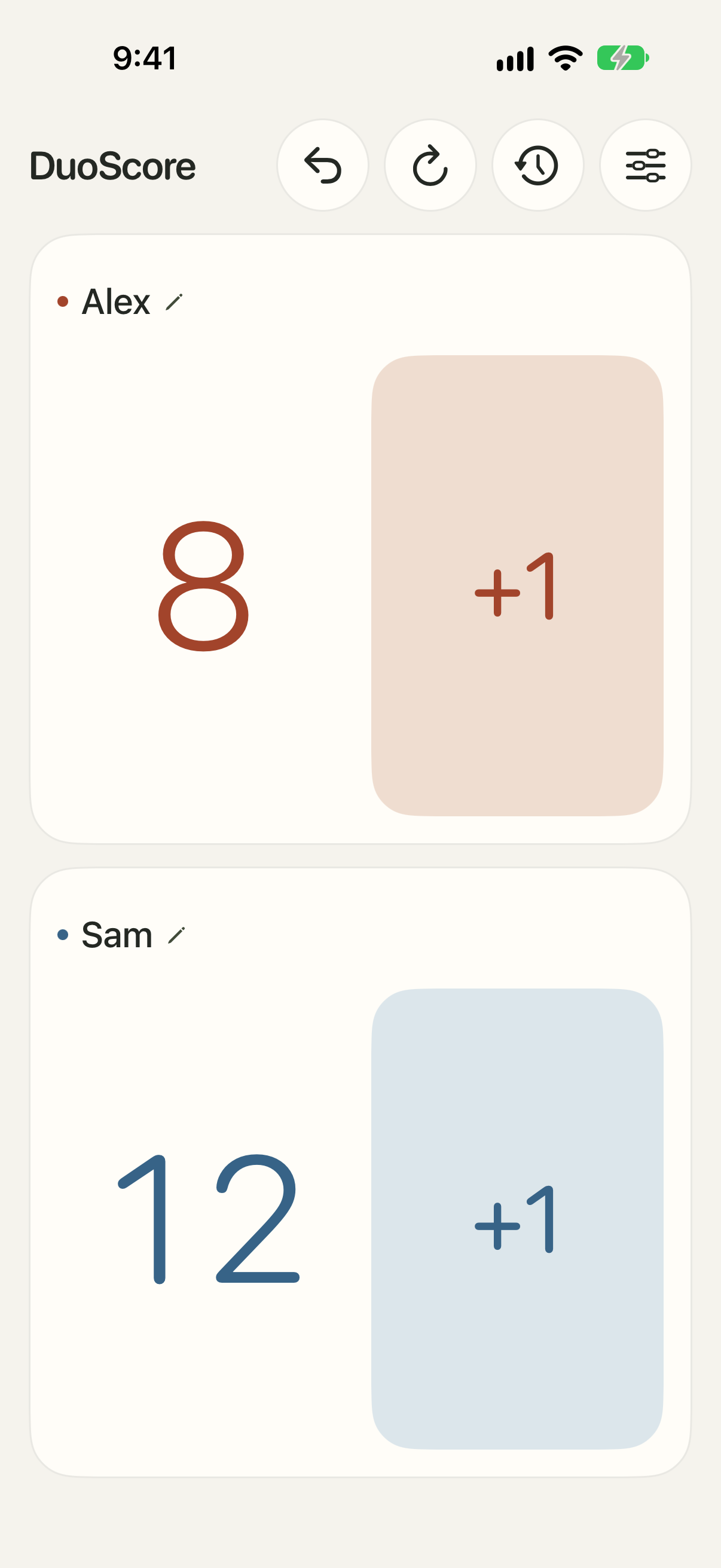
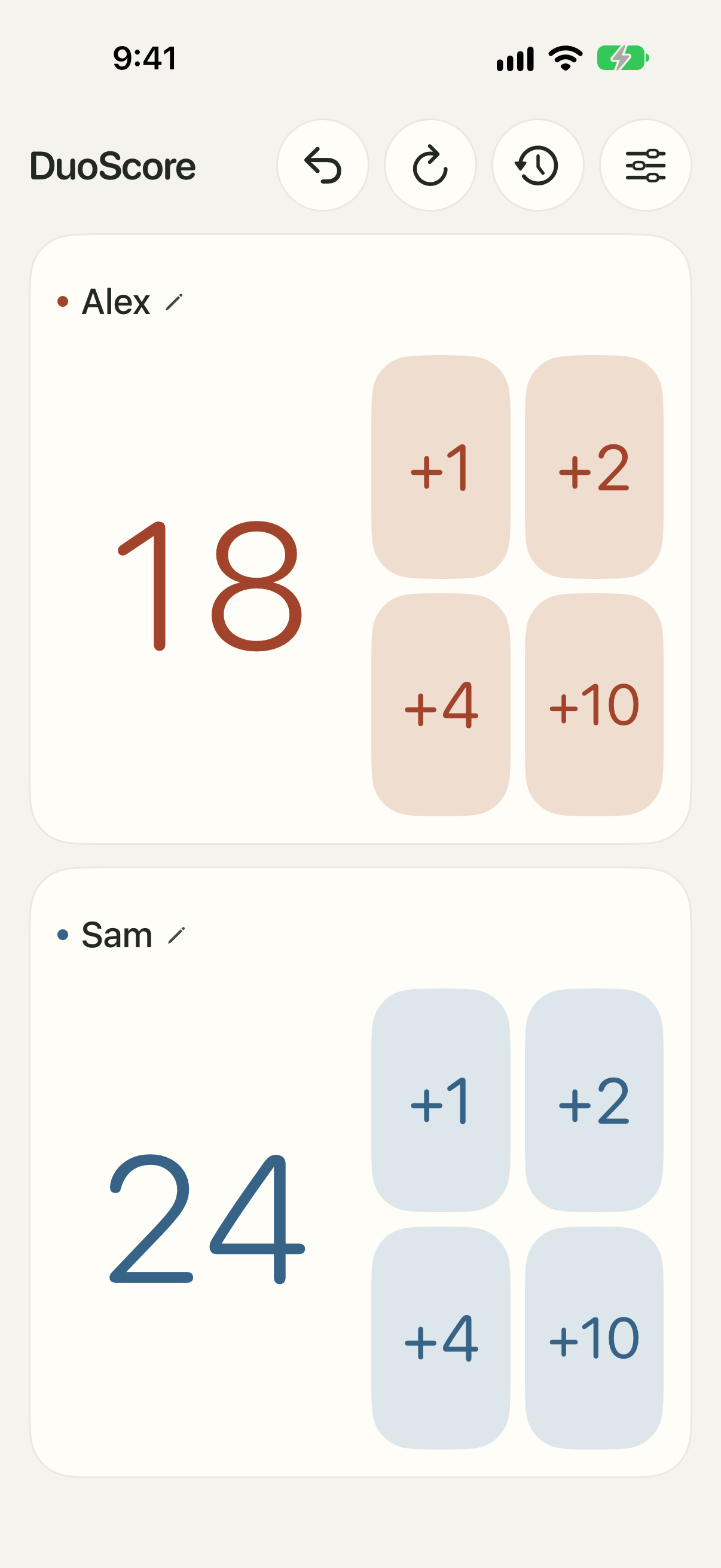
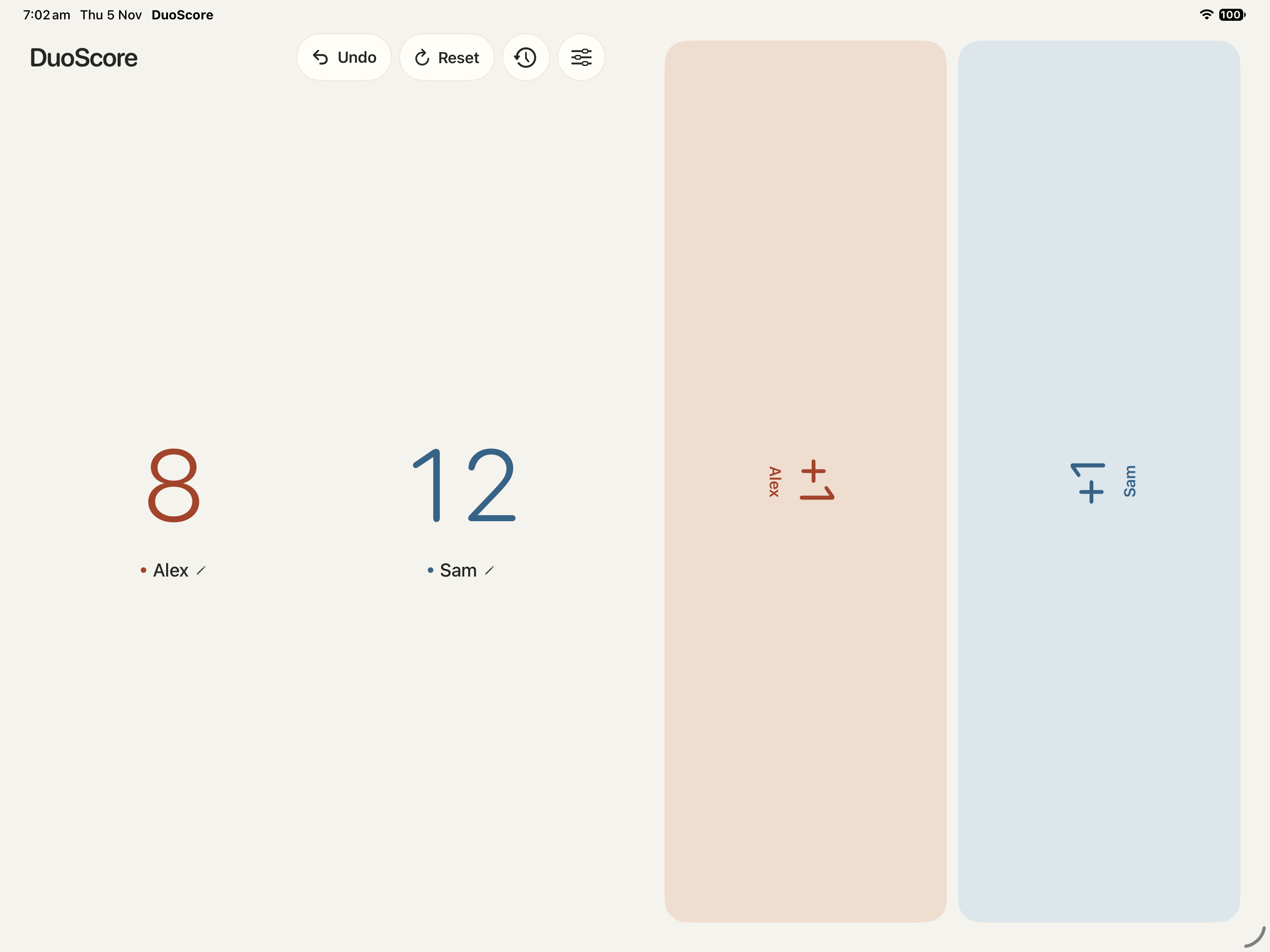
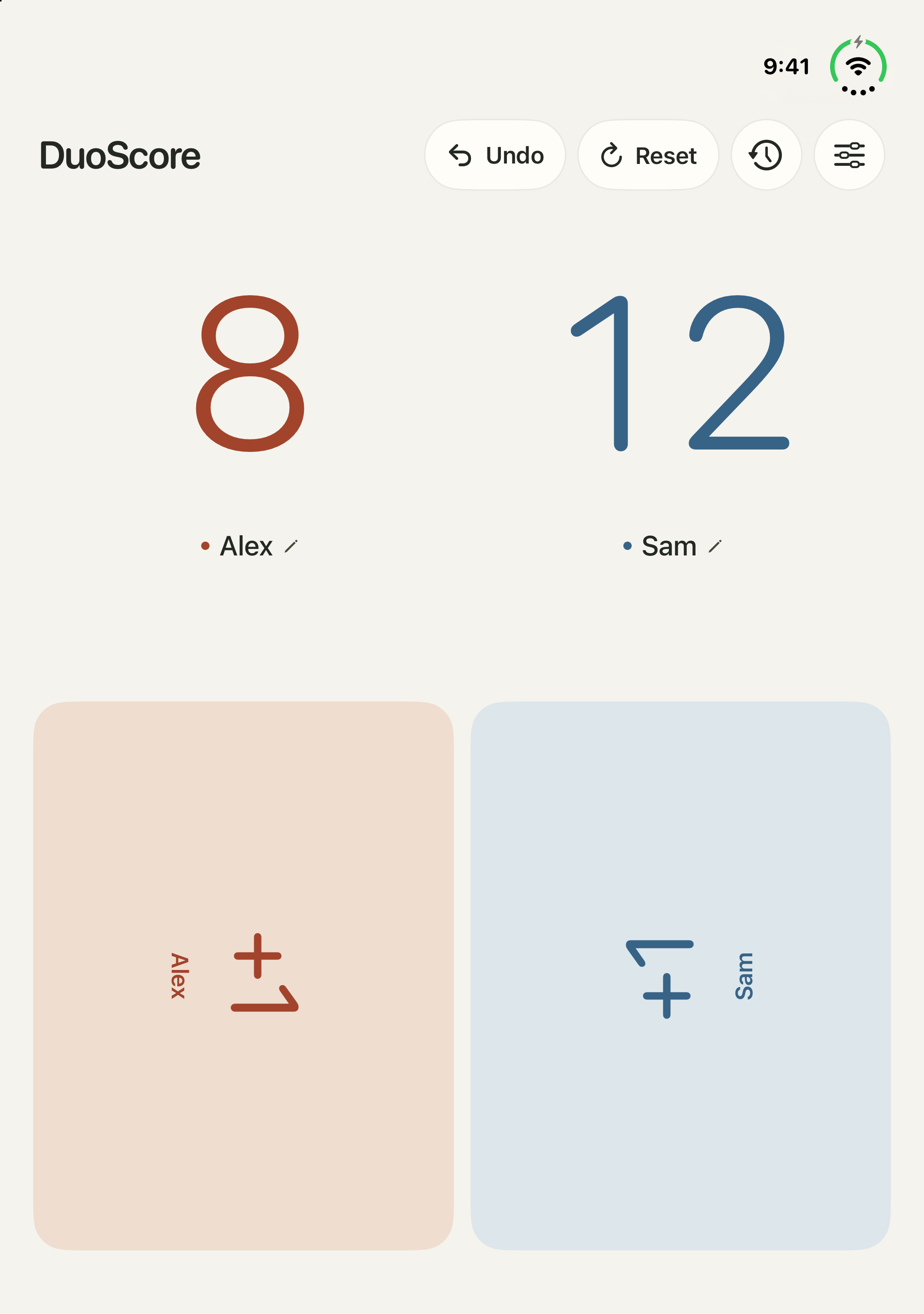
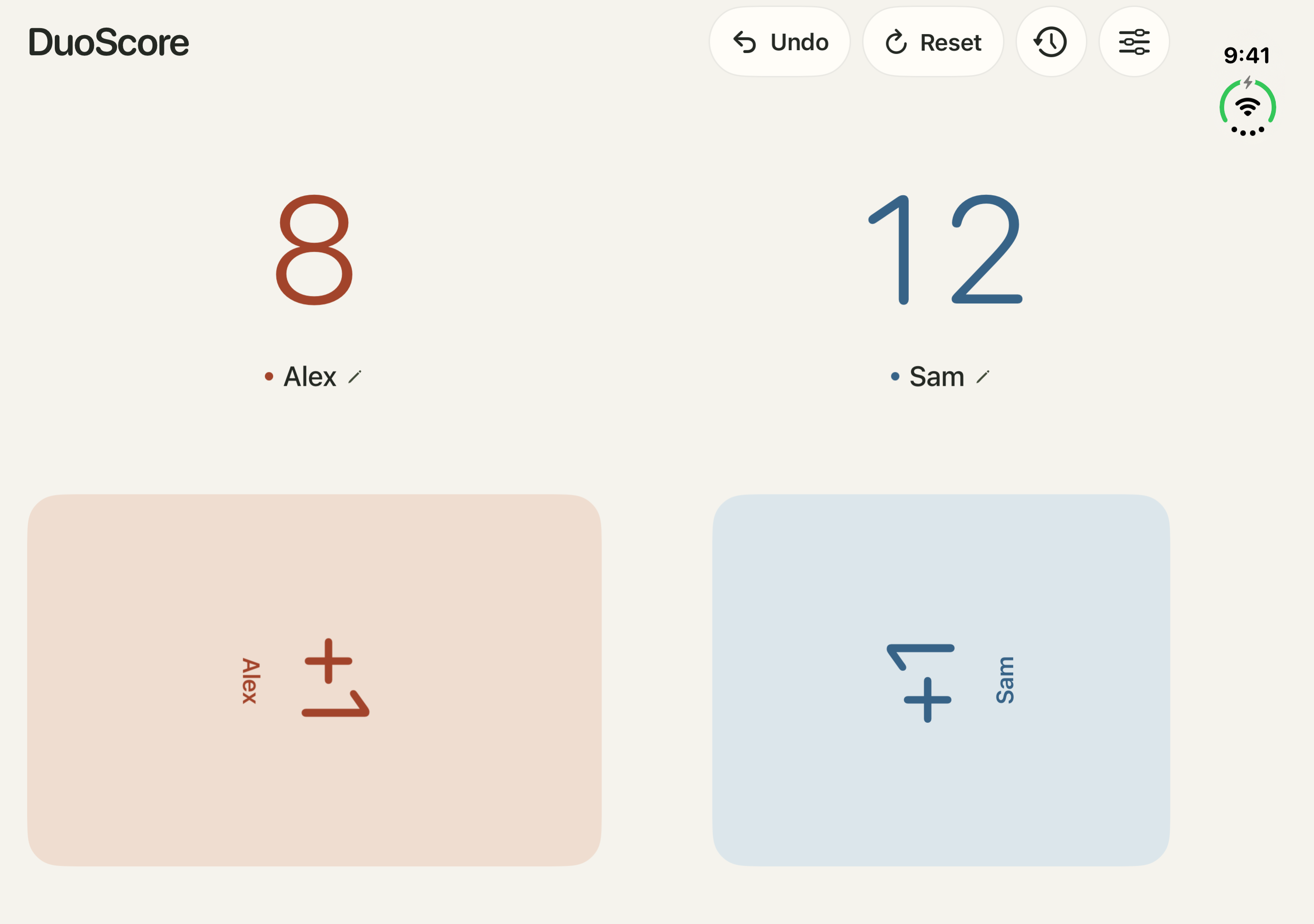
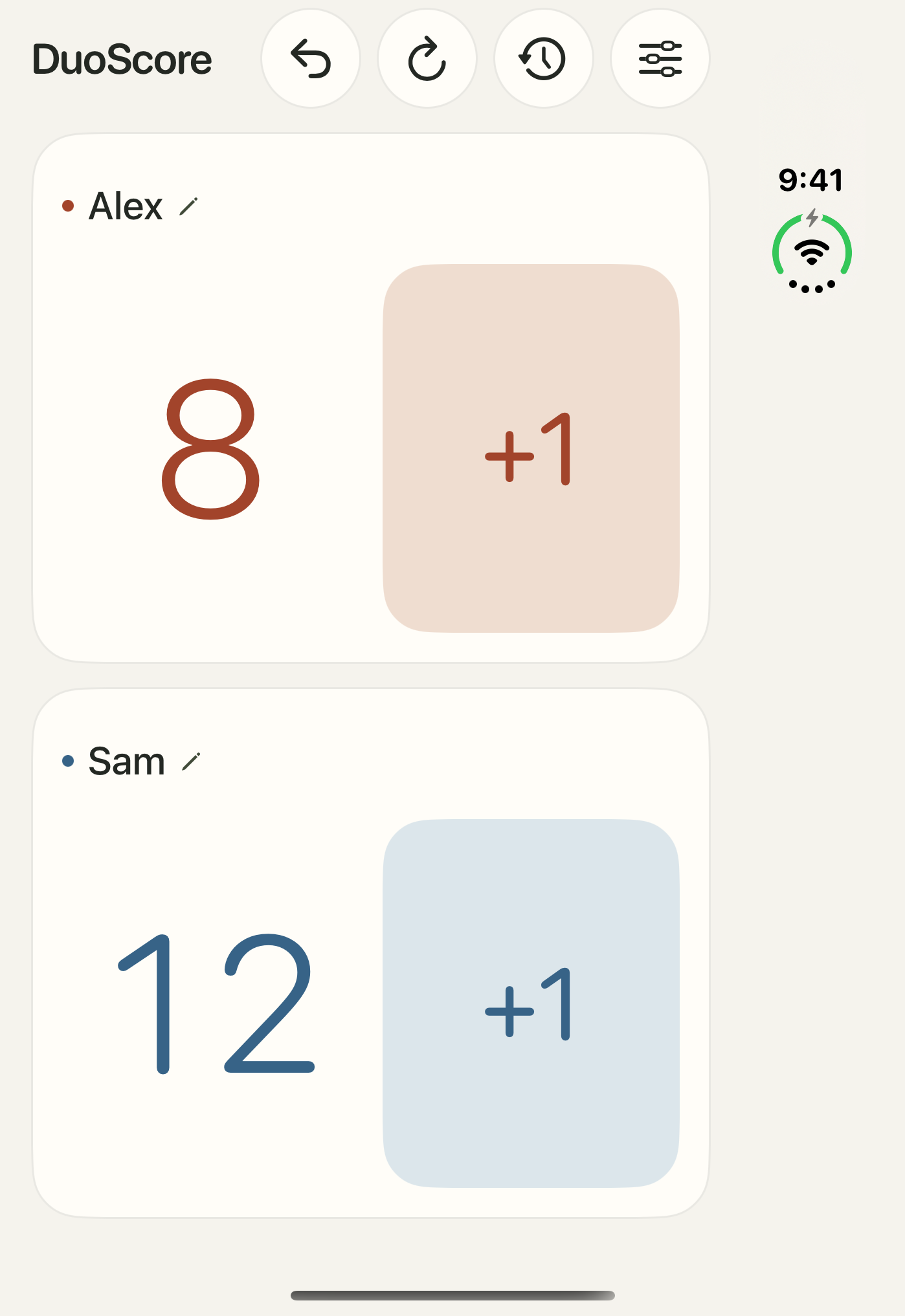
Choose a device to see how the layout adapts.

Why DuoScore

Set up each side

Choose player names, colors and scoring buttons. Undo a point or swap sides during play.

Play a round or a series

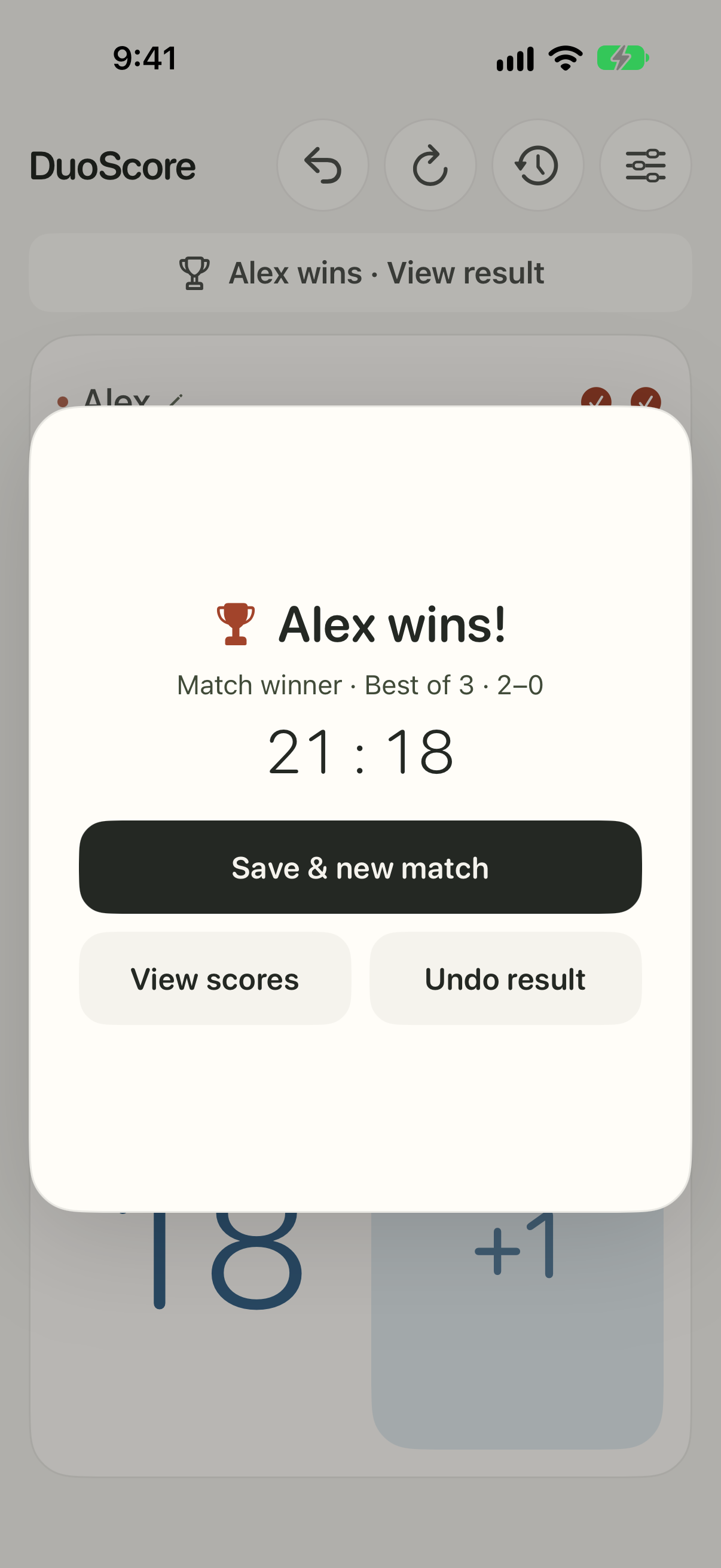
Set an optional winning score and play one game or a best-of-3, 5 or 7 match.

Keep your games on-device

Resume your current game or look up completed rounds in History. Scoring works offline without an account.

Feature Breakdown

Scoring

  • One to four buttons per player
  • Custom increments from +1 to +999
  • Shared or individual button sets
  • Undo the last point and swap sides mid-game

Matches

  • Optional winning score
  • Single game or best of 3, 5 or 7
  • Round and match results
  • Saved scores and winners in History

Display and feedback

  • Handheld, iPad, tabletop and book layouts
  • System, light and dark appearance
  • Optional haptics and screen wake
  • VoiceOver labels, larger text and Reduce Motion support

Have Questions? We’re here to help

What is DuoScore?

A quick overview and the basics.

Features

What you can do and how it works.

Help & FAQ

Support, troubleshooting, and common questions.

Which devices does DuoScore support?

DuoScore runs on iPhone, iPhone Duo and iPad with iOS or iPadOS 27.1 or later. iPhone Duo adds layouts that adapt to the hinge.

How much does DuoScore cost?

DuoScore is free to download with one complete match free, including a full best-of series. Unlimited Play is a one-time US $2.99 in-app purchase, with local pricing shown by the App Store. There is no subscription.

What counts as my free match?

A single game counts when you finish and save it. In a best-of series, every round is included until the series has a winner. Changing settings or correcting a point does not use up your match.

Can I restore Unlimited Play on another device?

Yes. Use the same Apple Account and choose Restore Purchases in Settings or on the purchase screen. The unlock works across iPhone, iPhone Duo and iPad.

Can I keep score without an account or internet connection?

Scoring, match rules, settings and History work offline. Purchasing or restoring Unlimited Play needs access to the App Store. Support and policy links open in your browser.

How do I use tabletop mode on iPhone Duo?

Open the inner display halfway and rest one half on the table with the hinge running left to right. Read the scores above the fold and tap the scoring pads below it.

Why are the scoring buttons turned sideways?

Face players aims each tabletop button at its player. In Settings, choose Button orientation → Same direction to align both sides with the scoreboard. Handheld buttons stay upright.

Can each player have different point buttons?

Yes. Turn off Same buttons for both players in Settings, then tap each player’s name to set one to four values for that side. For example, one player can use +1 and +3 while the other uses +2 and +5.

Can I play a best-of match without a target score?

Yes. Set Best of 3, 5 or 7 and leave the winning score off. Use Reset to finish each round, then confirm the result and save it. Draws don’t award a round win.

What if I tap the wrong scoring button?

Use Undo to reverse the most recent point change. If the tap triggered a winner, use Undo round result before saving.

What moves when I swap sides?

The two players move with their names, colors, buttons, scores and round wins. Undo still applies to the player who scored.

Where do completed games go?

Saved rounds appear in History with the final scores and result. Swipe a saved entry to delete it, or use Clear to remove all saved results.

Can I use larger text or turn off animations?

DuoScore follows your system text size and Reduce Motion preferences. Reduce Motion removes the winner confetti. Settings also lets you turn off gentle haptics.


Stay Informed

Dig Deeper

View all posts

Ready to get started? Let’s set you up.

DuoScore icon

App

DuoScore

A scorekeeper built for the table.

Keep score for two players with big buttons, custom point values and best-of matches. On iPhone Duo, the fold separates the scoreboard from the controls.

Freemium iPhoneiPadiPhone Duo

Contact support · DuoScore privacy policy · Terms of use