

Kobee Studio manual
Kobee Studio creates editable PCB labels, symbols, connector legends, component callouts, QR codes and barcodes inside KiCad PCB Editor. It builds ordinary artwork footprints and saves the settings needed to regenerate them.
This manual covers stable release 1.4.1 for KiCad 10. macOS and Windows are tested; Linux still needs full validation. The newer 1.5 development tools have their own development guide. A feature described there may be absent from the stable download.
Get from installation to your first board marking
Section titled “Get from installation to your first board marking”- Install or update using the stable Plugin and Content Manager repository.
- Make your first label, place it and reopen it for an edit.
- Learn the workspace, preview and shortcuts.
- Check layers and fabrication before ordering a board.
Choose a workflow
Section titled “Choose a workflow”| What you want to make | Guide |
|---|---|
| A power label, warning, title/subtitle or standalone symbol | Labels, typography and artwork |
| One readable legend for each connector pin | Header overlays |
| A label surrounding a switch, LED or other component | Component callouts and arrays |
| A scannable documentation link or asset ID | QR codes and barcodes |
| A custom icon, SVG variant or reusable quick label | Symbols, SVGs and libraries |
| Consistent settings across many board markings | Profiles, preferences and backups |
| A change to existing artwork | Editing and board workflow |
| A font download, PNG trace, designator or variable template | Development tools |
Practical reference
Section titled “Practical reference”- Troubleshooting covers installation, missing tools, previews, fonts, assets and placement.
- Settings reference explains the controls and their physical units.
- Support and feedback explains how to report a reproducible problem.
- Release notes and the roadmap describe shipped changes and future work.
About the examples
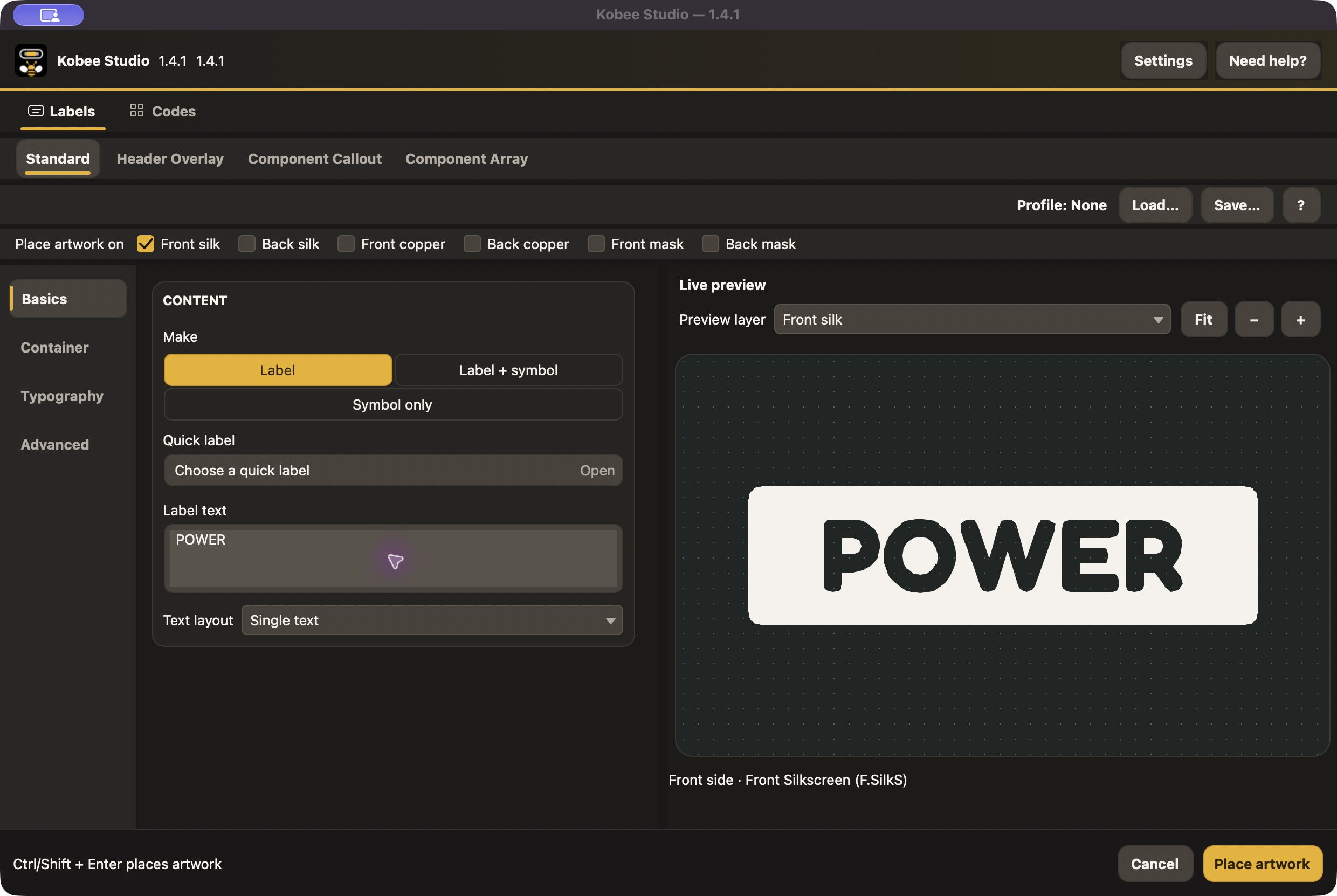
Section titled “About the examples”Editor screenshots were captured from the v1.4.1 source tag, using an isolated macOS documentation session. They show the real release UI and vector preview; the capture session was not connected to a live board. Placement instructions describe the KiCad workflow. Showcase images are KiCad renders of the repository’s example board, rather than photographs of manufactured PCBs. Window decorations vary by operating system.
Save your PCB before applying artwork. Keep the original custom assets and a library backup with any project that needs to remain editable in the future.